
Distance Calculator
Use this distance calculator to measure the straight-line distance between two points in 2D or 3D space, or the great-circle distance between latitude and longitude coordinates. Enter the coordinates and get instant results with formulas and practical guidance.
2D Distance Calculator
Use this calculator to find the distance between two points on a 2D coordinate plane.
Point 1:
Point 2:
3D Distance Calculator
Use this calculator to find the distance between two points in a 3D coordinate space.
Point 1:
Point 2:
Distance Based on Latitude and Longitude
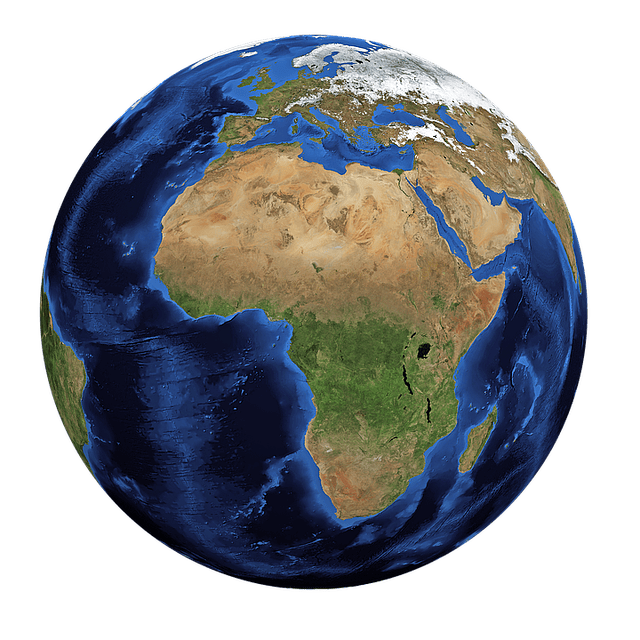
Use this calculator to find the shortest distance (great circle/air distance) between two points on the Earth's surface.
Input Format
Point 1:
Point 2:
What is Distance Calculator?
A distance calculator is a tool that calculates the straight-line distance (Euclidean distance) between two points in a coordinate system. This calculator works in both 2D (x,y) and 3D (x,y,z) coordinate spaces, and can also calculate the great circle distance between two geographic points.
The calculator uses different distance formulas depending on the coordinate system: the Pythagorean theorem for 2D and 3D spaces, and the Haversine formula for geographic coordinates to account for the Earth's curvature.
Distance Formulas
The distance between two points is calculated using the following formulas:
2D
d = √[(x₂ - x₁)² + (y₂ - y₁)²]
3D
d = √[(x₂ - x₁)² + (y₂ - y₁)² + (z₂ - z₁)²]
Geographic
Haversine formula for great circle distance
Where (x₁, y₁, z₁) and (x₂, y₂, z₂) are the coordinates of the two points in space. For geographic coordinates, we use latitude and longitude values and account for the Earth's curvature.
How to Use the Distance Calculator
Pick the coordinate system that matches your problem, enter the coordinates for both points, and the calculator will return the correct distance model for that space.
- Choose the appropriate calculator type: 2D, 3D, or Geographic.
- Enter the coordinates of the first point.
- Enter the coordinates of the second point.
- Click the 'Calculate' button to see the distance between the two points.
Tip: use 2D for flat coordinate planes, 3D for spatial models, and Geographic when you are working with latitude and longitude on the Earth's surface.
Example Distance Calculations
2D Coordinate Distance
For points (1, 2) and (4, 6), subtract coordinates and apply the 2D distance formula.
d = √[(4 - 1)² + (6 - 2)²] = √(9 + 16)
Result: d = 5
3D Coordinate Distance
For points (1, 2, 3) and (4, 6, 3), the z-values are equal, so the distance reduces across x and y changes.
d = √[(4 - 1)² + (6 - 2)² + (3 - 3)²] = √25
Result: d = 5
Geographic Distance
For two cities defined by latitude and longitude, the calculator uses the Haversine formula to estimate the shortest surface path on Earth.
Use latitude/longitude pairs in the geographic calculator
Result: great-circle distance in kilometers or miles
Construction Layout Check
If a plan uses points (0, 0) and (8, 15), the diagonal span is useful for layout verification.
d = √[(8 - 0)² + (15 - 0)²] = √289
Result: d = 17
Applications of Distance Calculation
Distance calculation has many real-world applications:
- Geography and Navigation: Calculating distances between locations on maps, GPS navigation
- Physics: Determining the distance traveled by objects in various dimensions
- Computer Graphics: Rendering 3D objects and scenes, collision detection
- Architecture and Construction: Measuring distances in floor plans and building designs
Distance Calculator FAQ
What does a distance calculator measure?
A distance calculator measures the separation between two points using the formula that matches the coordinate system, such as Euclidean distance in 2D or 3D and great-circle distance for geographic coordinates.
When should I use 2D versus 3D distance?
Use 2D distance when points lie on a flat plane with x and y coordinates. Use 3D distance when the points also have a z-value or depth component.
How is geographic distance different?
Geographic distance accounts for the Earth's curvature, so it uses latitude and longitude with the Haversine formula instead of a flat-plane Euclidean formula.
Can this calculator help with maps and navigation?
Yes. The geographic mode is useful for estimating straight-line surface distance between places, while the 2D and 3D modes help with math, modeling, engineering, and graphics problems.